

Your home, made smart
Background
This conceptual project is the result of a rapid one-week design sprint, where I developed an end-to-end, high-fidelity solution based on a self-selected brief, outside of my typical working week — it was a lot!
The brief
You are designing a mobile app for a high-end smart home control system. This platform allows users to manage and automate their luxury smart home devices, such as lighting, climate control, security, and entertainment systems.
Design in High-Fidelity the following flows to allow the user to:
- Control and customise their smart home devices with a sleek and luxurious interface.
- Create and manage automated scenes (e.g., morning routine, evening relaxation)
- Monitor home security with a premium and elegant design

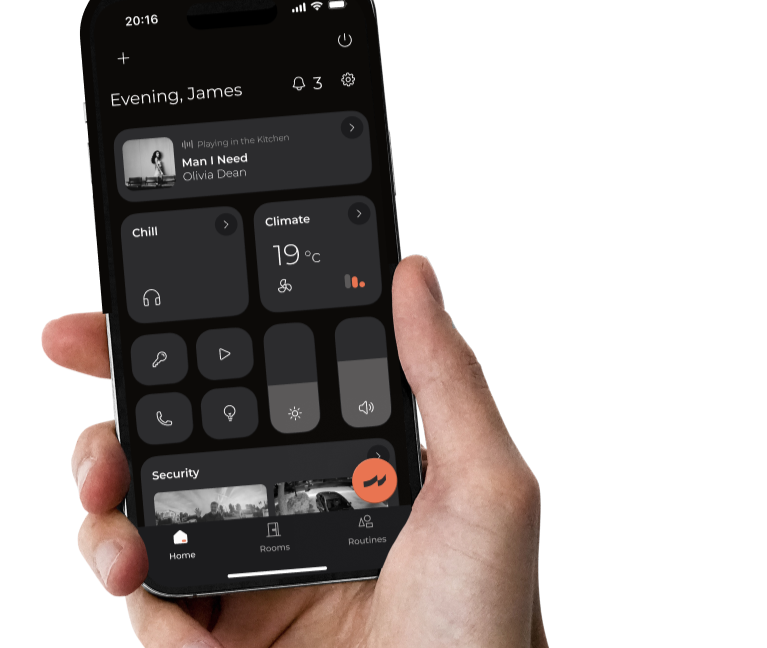
Introducing
Zia
Vision
Zia creates and implements premium smart home systems that offer effortless management of lighting, climate, security, and entertainment. Our solutions elevate your living experience, turning your home into a sophisticated and intuitive environment.
What is high-end?
Classed as luxury, high-end products stand out due to their superior quality, design, and performance. They feature premium materials, meticulous attention to detail, advanced functionalities, and a seamless user experience that is beyond other mass-market options.
© James Skinner 2025

Task 1
Control & customise your smart devices
With Zia you can control all your smart devices in one centralised app. View your system by room or even automate your morning routine.
Task 2
Create & manage automated scenes
Easily set the vibe in your home with your favourite ambience — create a morning routine, wind-down mode, or a custom scene from scratch.
Task 3
Monitor home security
No matter if you're out and about or just chilling at home, you can keep your peace of mind with live camera feeds and smart door controls.
Bonus Task
Zia — your personal assistant
Can't find the control you're after? Simply ask Zia and she'll find what you're looking for. AI-driven voice control that understands natural language.
Contents
Final proposalDiscovering the problem
What are we trying to solve?
Establishing a brand
How should the product look & feel?
Dashboard
Task 1: Control & customise your smart home devices
Scenes
Task 2: Create and manage automated scenes
Security
Task 3: Monitor Home Security
Personal assistant
Bonus Task: AI Voice Control
If I were to go further...

Market opportunity
By 2027, 50.2% of UK households will be smart homes.
Driven by an increase in consumer awareness and a willingness to pay for the convenience and energy savings offered by smart technology.
Statista. Smart Home market insights report, 2024
© James Skinner 2025
Desk research
What is considered a smart device?
Any internet-connected device that allows a user to remotely monitor or manage household functions controlled through a user interface or voice commands.
© James Skinner 2025
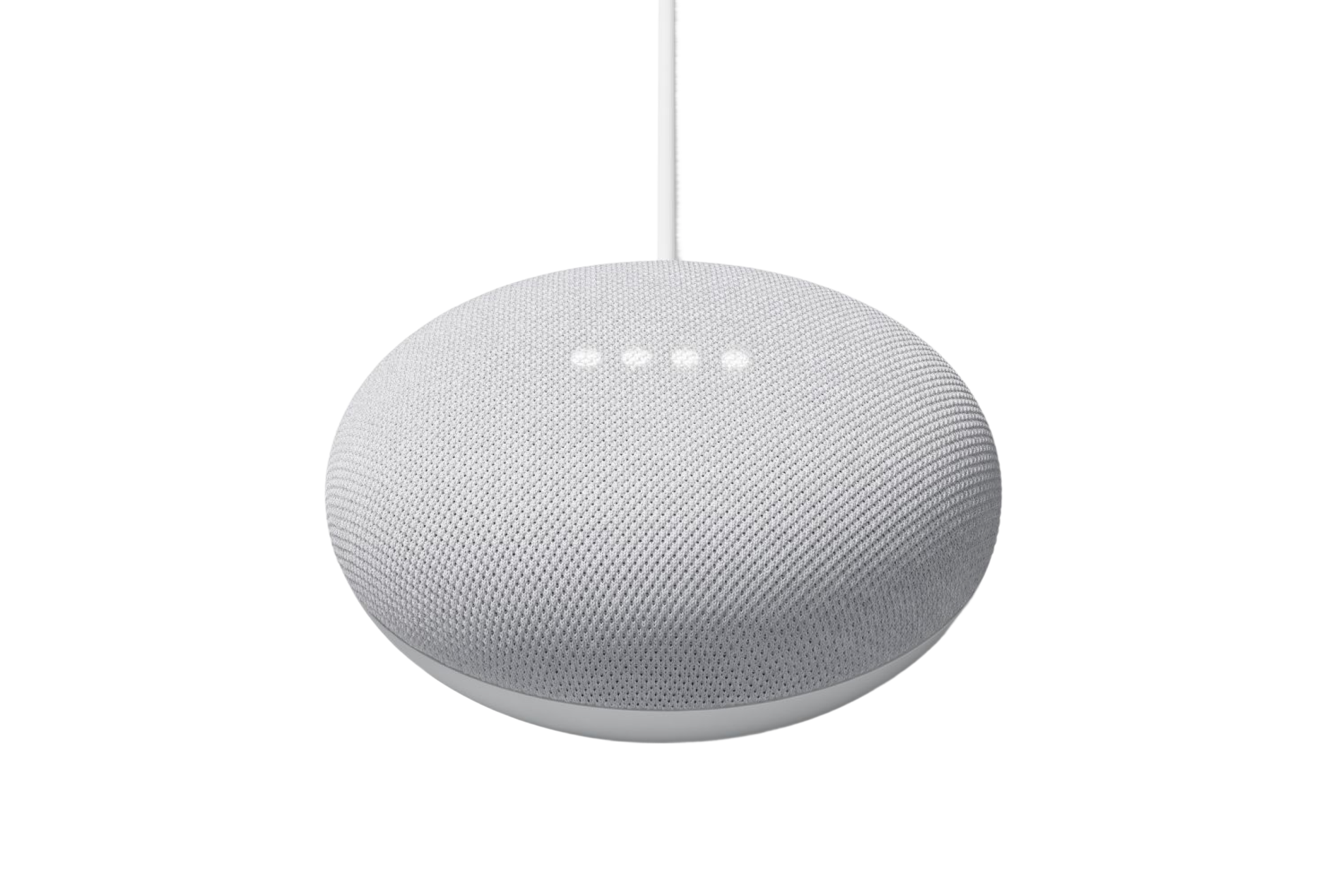
Audio
- Speakers
- Alarms
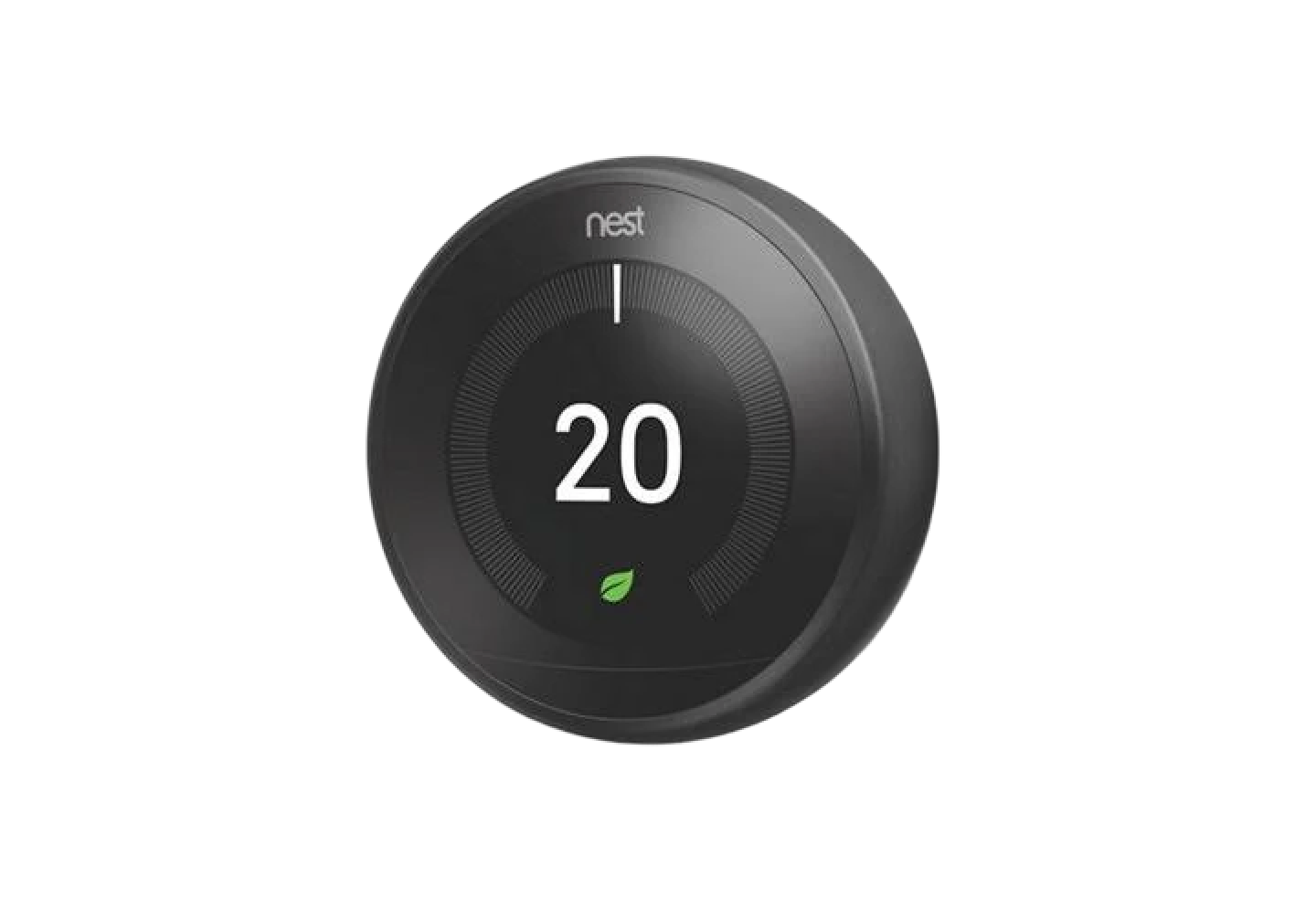
Climate Control
- Smart Thermostats
- Smart Lighting
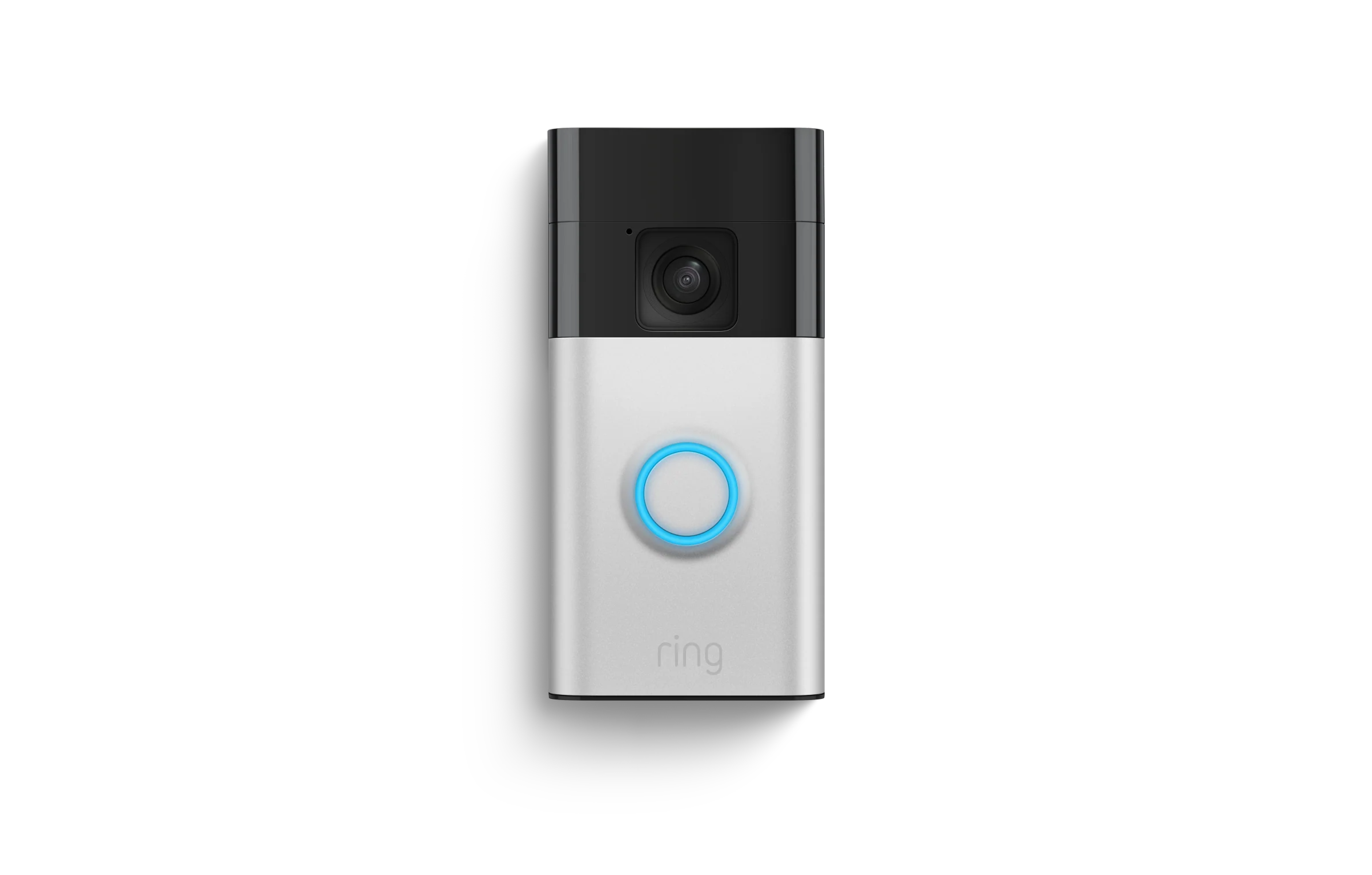
Security & Access
- Cameras
- Locks
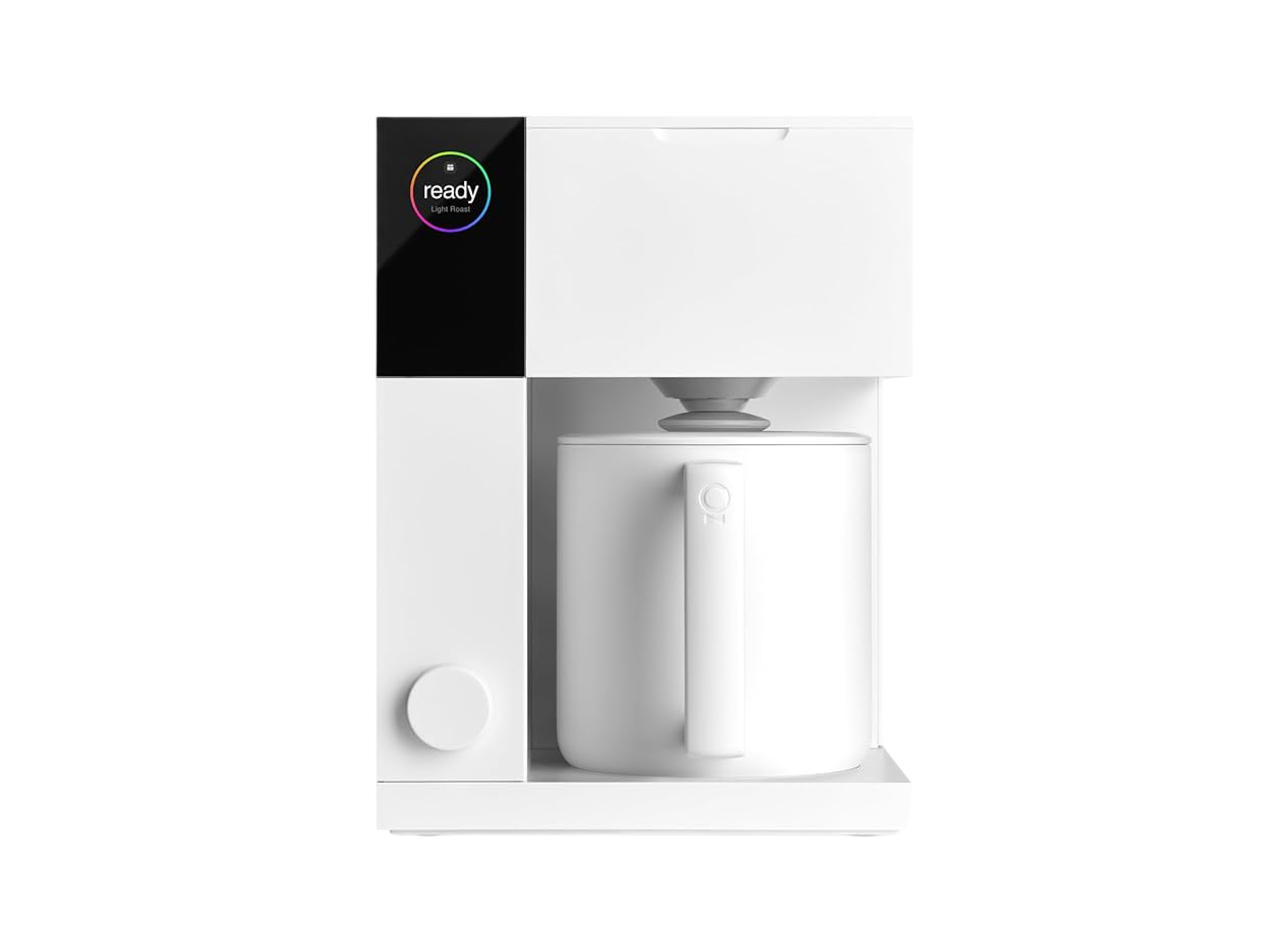
Household appliances
- Robo Vacuums
- Smart Kitchen Appliances
- Ovens
- Coffee Machines
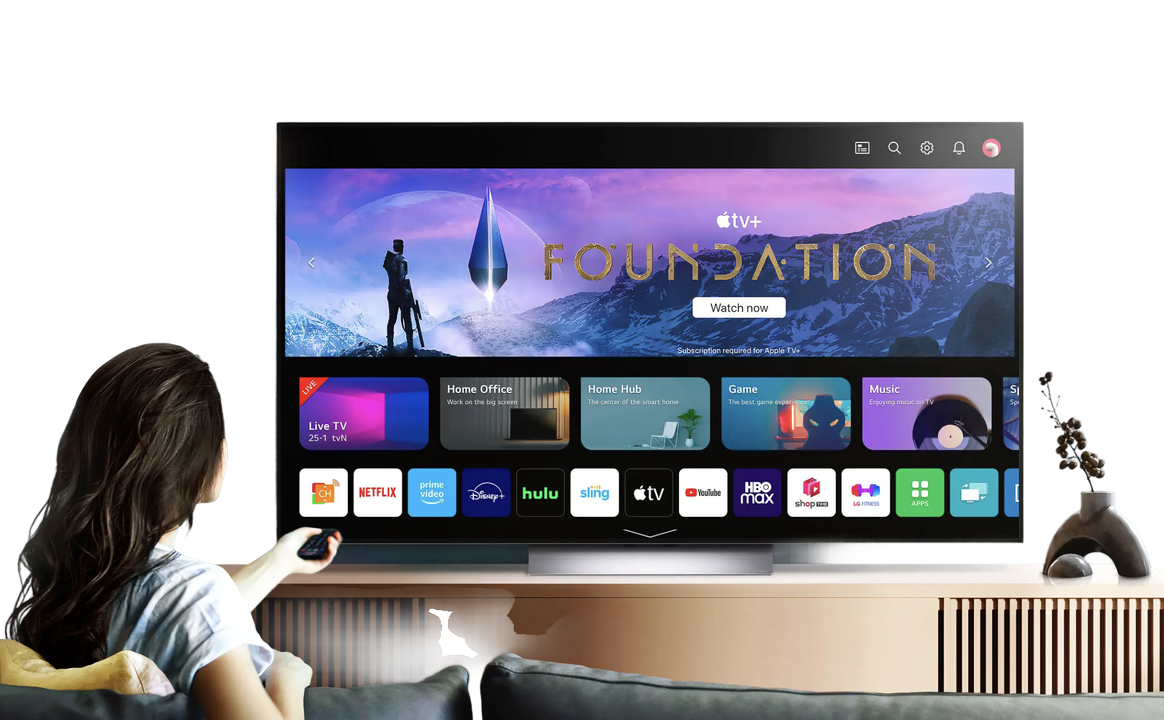
Visual
- TVs
- Streaming devices
Desk research
Pain points
By analyzing user feedback with an LLM, I identified three major pain points with smart home devices:

Over complicating daily tasks
Smart devices have got rid of intuitive physical controls now hidden behind an interface. For instance, unlocking a smartphone and navigating to a specific device can make something as simple as turning on a light feel cumbersome.

Disparate systems
On average a UK home has 9–10 smart devices, often from a collection of brands. These systems are not homogenous — they often require multiple apps and separate controls creating an issue that previously did not exist.

Voice Command Limitations
Voice assistants are a key feature of smart homes, but they can be frustrating. Commands often need precise wording, and the system may not grasp natural language or context — say 'turn on the light' and it might fail if the device is named 'living room lamp.'
The key problem
A fragmented “smart” system
Smart homes are increasingly controlled by multiple interfaces undermining the very value proposition of a smart home: simplicity and convenience. Instead of making life easier, they add cognitive load and friction to daily tasks.
Users are forced to switch between different apps, voice assistants, and physical panels to manage their devices. This lack of a cohesive, accessible interface for a household is a significant barrier to the widespread adoption and seamless use of smart home technology.
- Consolidate devices into one single interface?
- Provide convenience to all users?
- Cater for inaccuracies in the Zia voice-assistant?
Brand Identity
Behind the name: Zia
I was after a single word that tied nicely to the app's function but also inferred quality & energy.
Zia (ضياء) is the Arabic word for shine, light or splendor.
Brand Identity
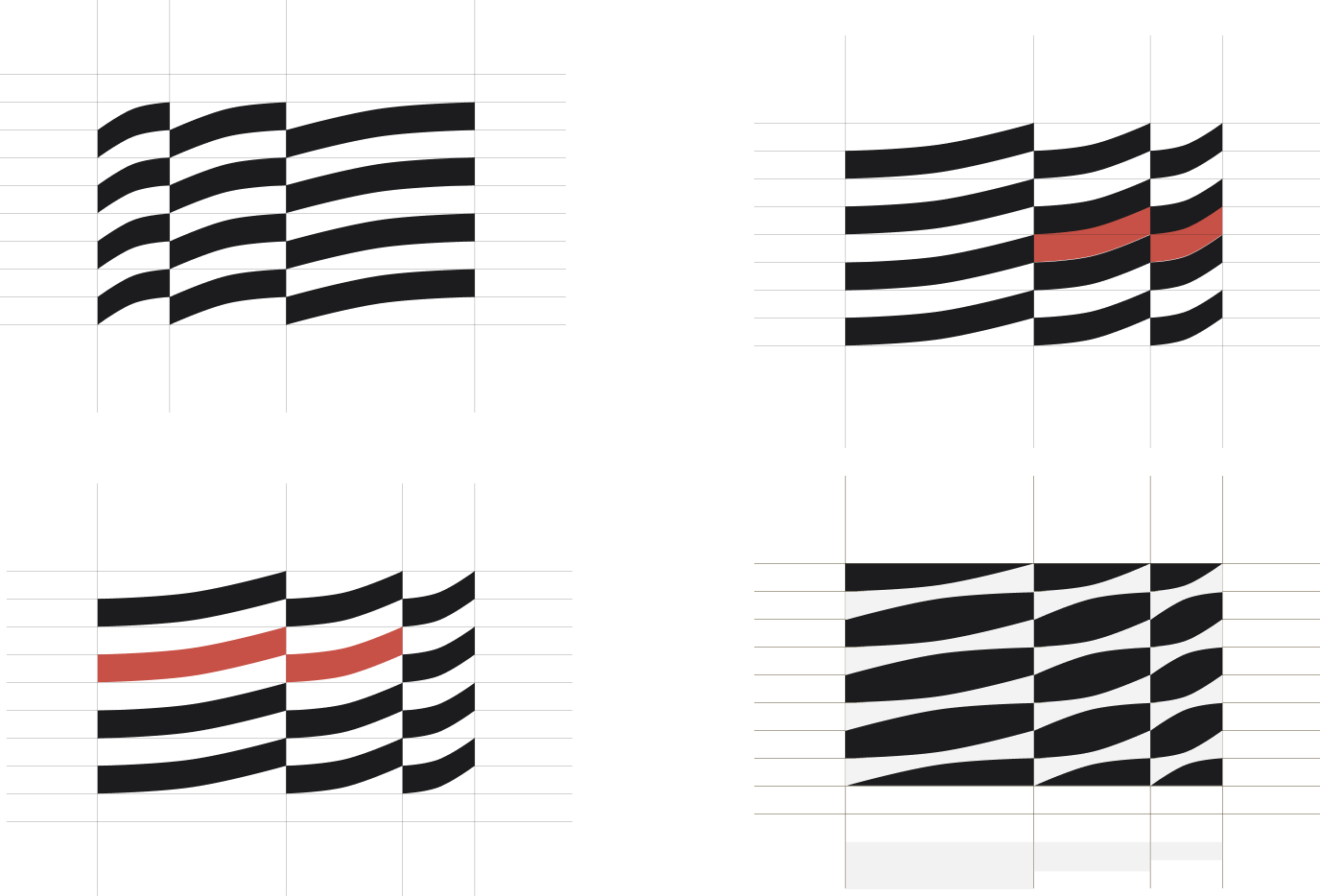
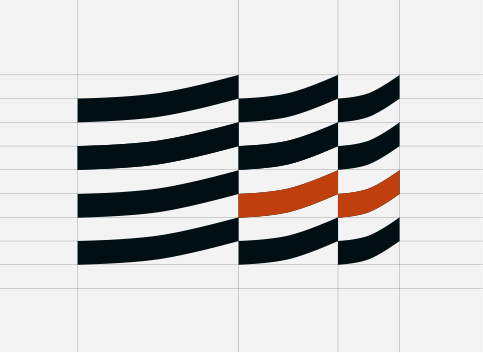
Logo mark
After lots of sketching, I applied the golden ratio to scale the wavy zig-zag pattern.
Brand Identity
App icon
I used the “z” pattern to create an emblem and refined the app icon with feedback from Gemini and Built for Mars AI.

Version 1
Block accent colour + emblem

Version 14
Applying grid pattern

Version 23 (final)
Setting the grid pattern back
Brand Identity
Colour
Light & Dark Mode Palettes
Adaptive modes
As the interface will be used at different times of the day & scenes, the UI must respond to its context.
Neutral tones
- Minimises Cognitive Load
- Highlights Important Data
- Increases Accessibility
- Creates a Timeless & Versatile Look
Lapis Lazuli
A rich, deep blue — perfect for cards, navigation, and dark mode.
Burnt Sienna
Burnt Sienna evokes warmth and authenticity while infusing brands with earthy vitality.
Light Mode

White Smoke
#F3F3F3
Platinum
#E5E3E1
White
#FDFCFC
Smokey Black
#18130D
Sinopia
#CA4510
Polynesian Blue
#044389
Dark Mode

Rich Black
#010E14
Eerie Black
#1C1C1E
Davy's Gray
#5B5959
Jet
#2C2C2E
Burnt Sienna
#E97451
Lapis Lazuli
#12569E
Brand Identity
Type & icon pairing
Display Lg
Heading Lg
LabelLG
Lorem ipsum dolor sit amet consectetur. Felis condimentum bibendum tempor erat et bibendum.
LabelLG
Lorem ipsum dolor sit amet consectetur. Felis condimentum bibendum tempor erat et bibendum.
LabelLG
Lorem ipsum dolor sit amet consectetur. Felis condimentum bibendum tempor erat et bibendum.
Lightweight icon set
1.3 weight @ 24px
Montserrat font
A minimal san serif font that scales nicely at different font weights
© James Skinner 2025
→ View moreTask 1:
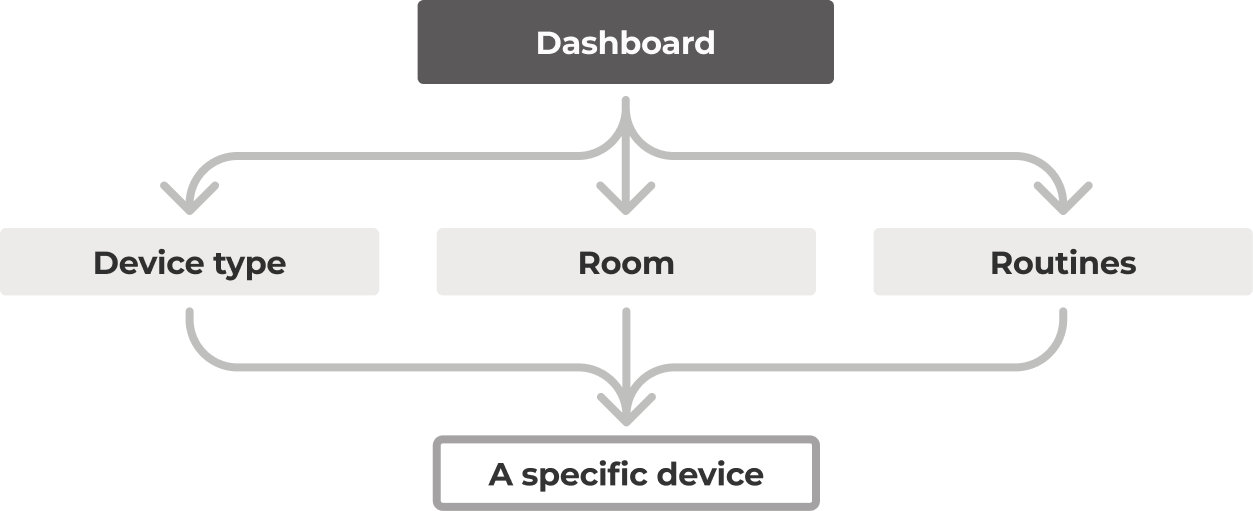
IA: Creating a logical navigation pattern
Considerations
A user may want to:
1. Control system globally
Sync rooms & devices to the same mode. “Turn off everything”
2. Control by Room
A user could want to control by room as opposed to device type. “I’m leaving the kitchen, turn off all devices”
3. Control by device type
A user could want to control a single device type; e.g. “turn all lights off”
Task 1:
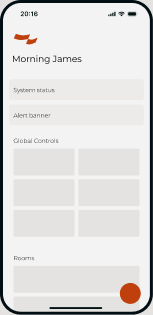
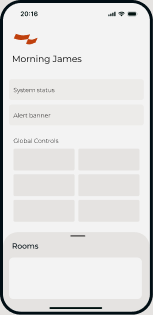
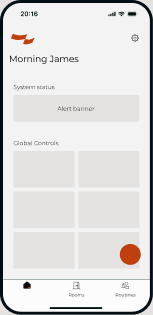
Testing navigation patterns
To prevent hiding key controls, I explored various navigation patterns and applied my IA logic.
Option 1
Satellite buttons
Option 2
Bottom sheet
Option 3
Floating Action Button
© James Skinner 2025
→ View prototypeTask 1:
Dashboard features
In dark mode
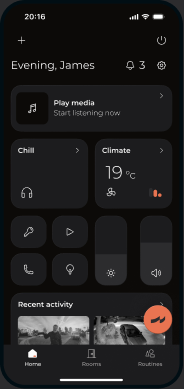
System Alerts
Notifies uses of events
Turn system off
Kills all media & lights
Settings
- Manage your zia account
- Pair new devices
- Change app theme
- Log out
Climate Control
- Turn Fan on/off & control speed & Movement
- Set desired temperature
- Turn on A/C
- Apply Eco Mode, Dehumidify
Master Sliders
Controls:
- Master Lighting brightness
- Master Volume
Voice control Assistant
Customise your dashboard
Adjust the order of the modular blocks
Media card
View what you're listening & where it's being played
Choose your ambient scene
Quick Links
Quickly Nav to:
- Security devices
- Media devices
- Lighting devices
- Customer support
© James Skinner 2025
Task 2:
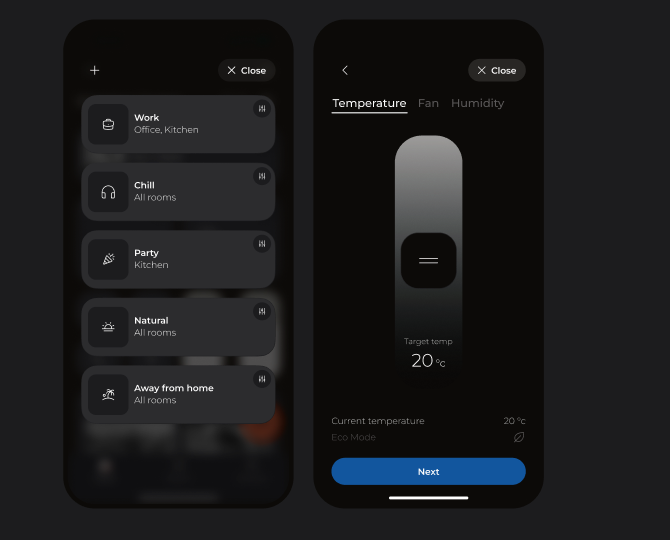
Create & Manage scenes
Feature requirements:
- Choose & apply a scene to:
- All rooms
- Specific rooms
- Customise a scene
- Create a new custom scene.
If I were to go further...
I would want to explore:
- Designing for intelligent routines: HMW personalise and automate a user's daily routine.
- How to integrate haptics & sound into the experience.
- Adding micro-animation
If you're reading this, many thanks for getting this far! I really appreciate it. 🙂
Appendix
Tools I used for this task
Figma
FigJam & Design
White boarding, note-taking, wire-framing & prototyping
Figma AI
Copy generation & refinement
Gemini
Desk research, copy refinement, image generation & UI design critique
Built for Mars
UX & UI Design critique